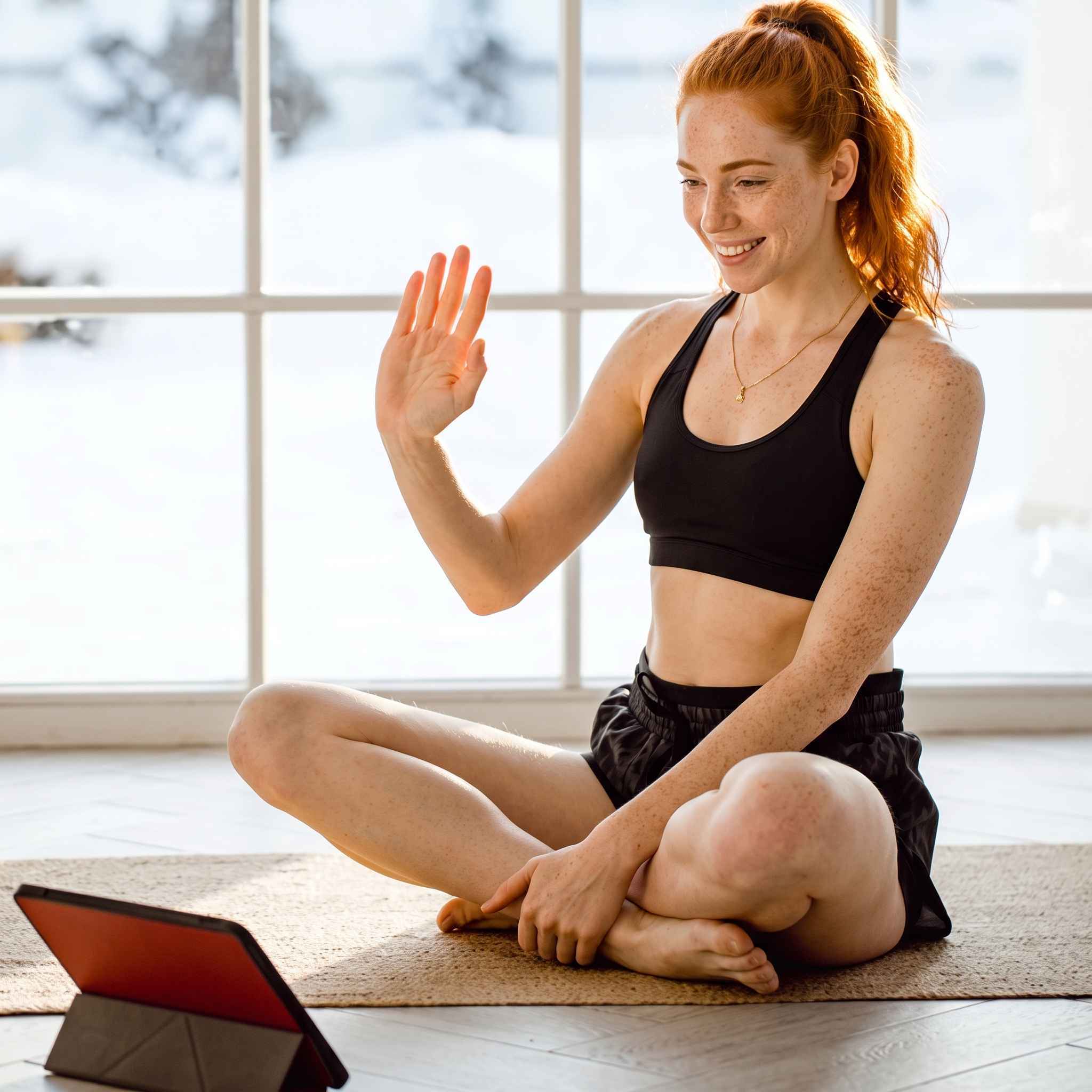
In this new fitness series, we explire how a wholestic and balanced approach to fitness will lead not only to reaching your weight goals, but better mindfullness too.
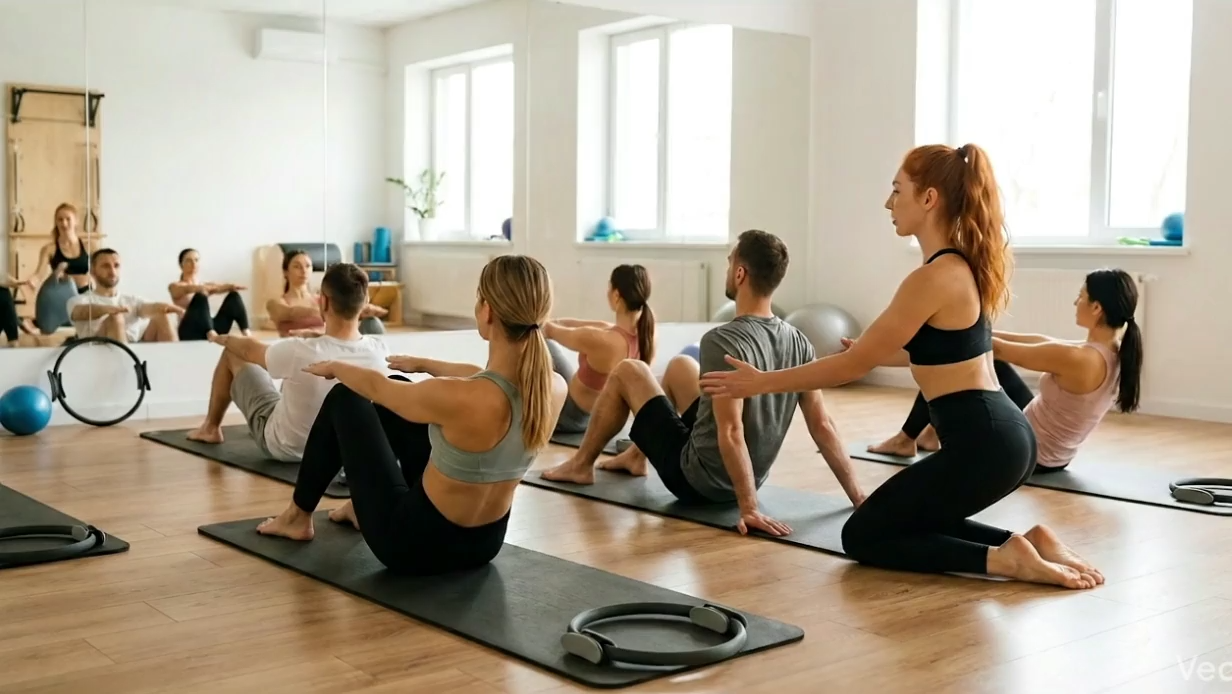
Pilates for Beginners
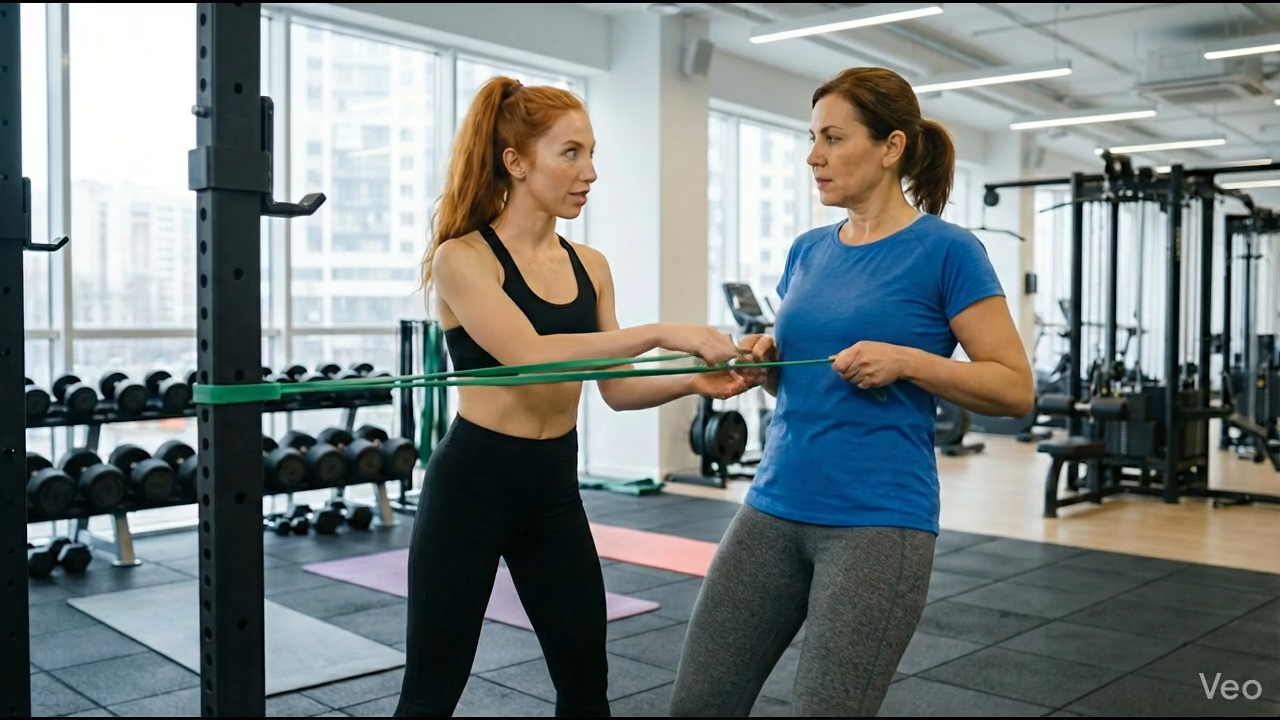
Resistance Band Training
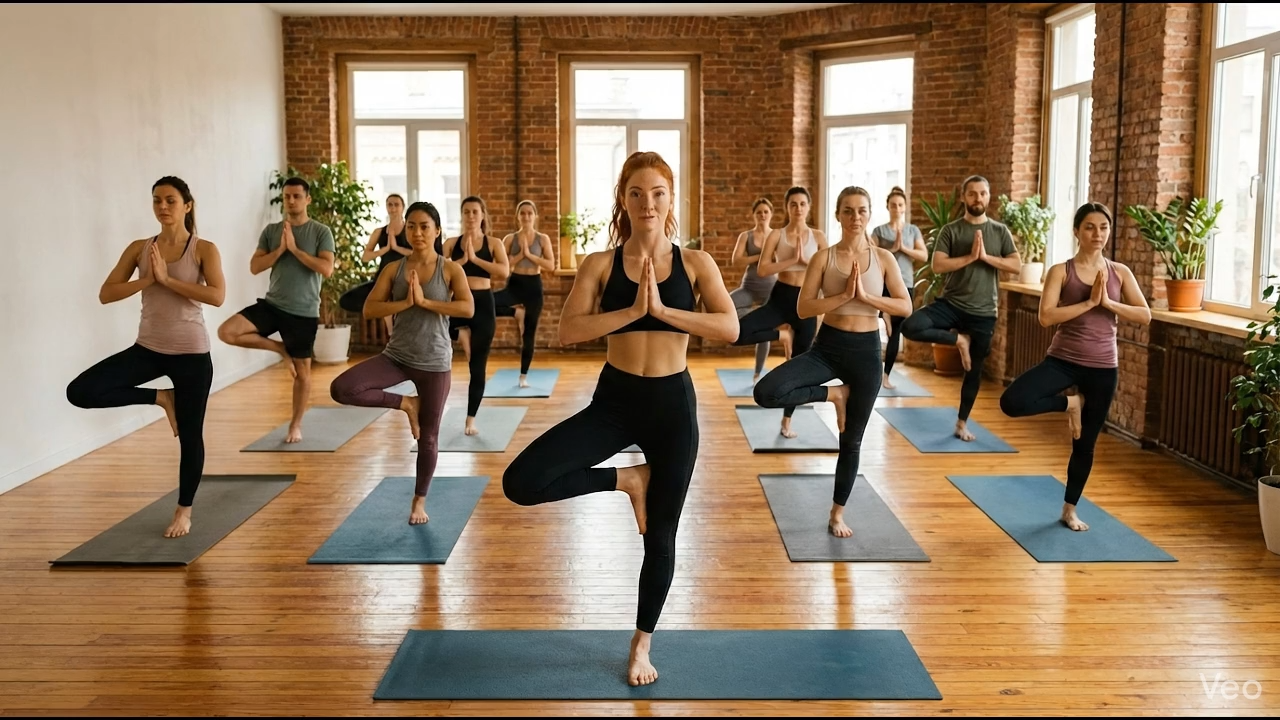
Yoga 101


Follow a fitness journey built around practical workouts, smarter nutrition, daily discipline, and sustainable habits that help you become stronger from the inside out.
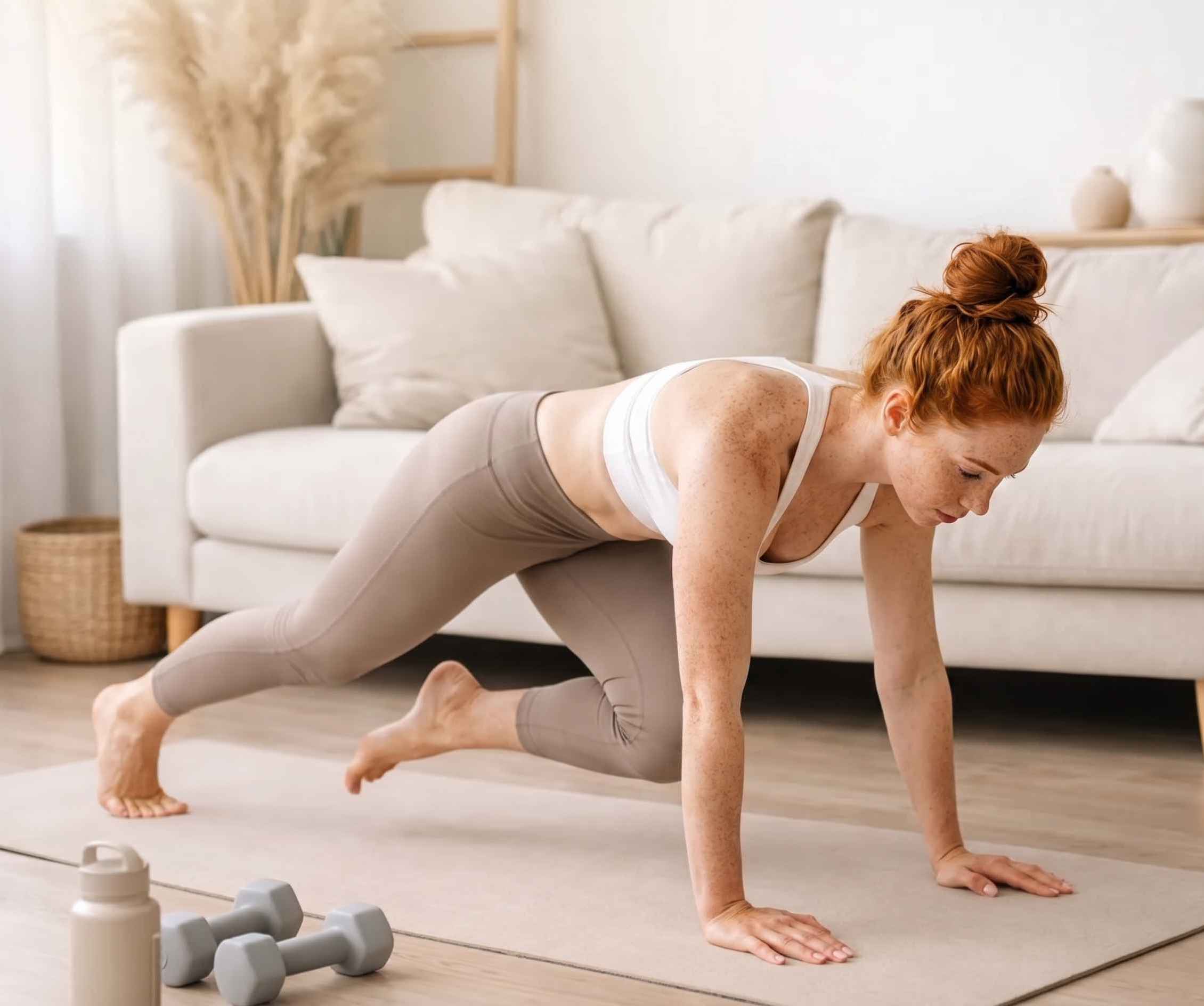
This platform is built for people who want to feel stronger, healthier, and more confident without chasing extreme routines or unrealistic standards. Through guided workouts, practical wellness tips, nutrition guidance, and honest creator-led content, the goal is to make fitness feel approachable, consistent, and sustainable. Whether you are just starting out, returning after a break, or looking to improve your routine, this space helps you build better habits one step, one session, and one small win at a time.
Join a space built for motivation, accountability, and shared progress. Whether you are training at home, hitting the gym, improving your nutrition, or rebuilding your routine, this community helps you stay connected and consistent.

Track progress, share goals, and stay motivated with others.
Get fitness tips, workout ideas, and practical wellness guidance.

Every milestone matters - from your first workout to your strongest lift.

Get support around workouts, nutrition, routine-building, and consistency.
Video Series
In this new fitness series, we explire how a wholestic and balanced approach to fitness will lead not only to reaching your weight goals, but better mindfullness too.
Pilates for Beginners
Resistance Band Training
Yoga 101

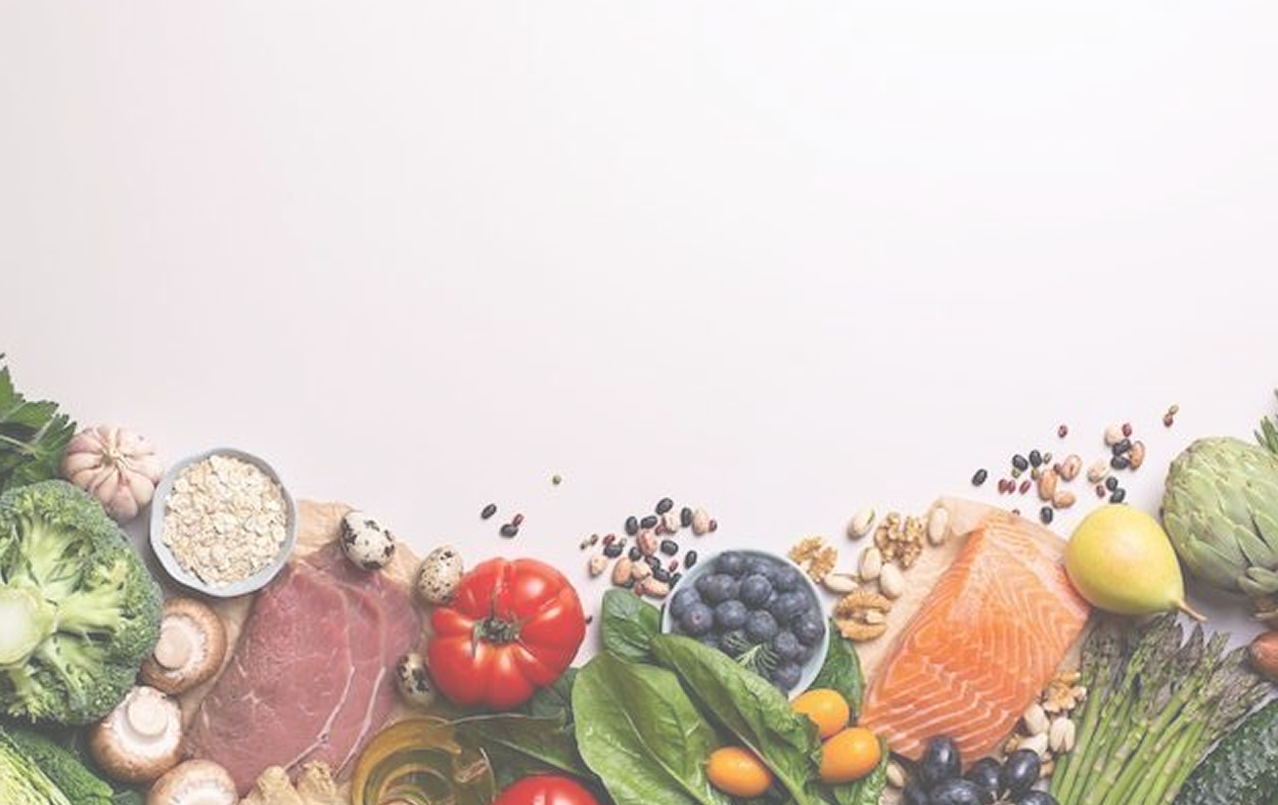
Food plays a major role in energy, recovery, performance, and overall health. This section helps simplify nutrition with easy meal ideas, balanced eating habits, grocery tips, and practical guidance you can actually follow.

Easy, balanced meals for busy routines and active lifestyles.

Simple food choices to support better energy before training.
Nutrition tips to help your body recover and rebuild after exercise.

Smarter everyday choices without making food feel complicated.